Does American Airlines Have TVs?
Updated

Share

Key Takeaways
- Some American Airlines planes still have seat-back TVs, mostly the long-haul wide-bodies and the high-end transcon routes. You’ll see them on the 777s and 787s.
- If you’re flying domestic, especially on an A320 or 737, don’t count on a built-in screen. Bring your own.
- Even when there’s no seat-back TV, you’re not out of luck. Every WiFi-equipped plane lets you stream free movies and shows straight to your phone, tablet, or laptop.
- Head to the “What’s on your flight” page on American’s site, plug in your flight number, and you’ll know right away if you’ve got screens onboard.
There was a time when flying American meant flicking through movies on a seat-back screen before takeoff. Now it’s a coin toss. Some planes still have them, especially the long-hauls, while others have quietly gone all-in on streaming.
You bring the screen; they bring the content. If you’ve boarded expecting that familiar TV and found only a USB port and a device holder, you’re not alone. American has shifted toward a lighter, more digital setup, trading built-in entertainment for free streaming through its onboard WiFi network. This guide breaks down what that looks like in real life, which planes still have TVs, how the streaming works, and how to check before you fly.
How it Works: Step by Step
According to American Airlines’ official entertainment page, most WiFi-equipped flights now include free streaming options.
- Check your flight before traveling. On American’s website, plug in your flight number under “What’s on your flight.”
- Look for the small screen icon. If it’s there, your plane probably has seat-back entertainment.
- If not, plan to stream. Download the American Airlines app before boarding.
- Once seated, connect to the “AA Inflight” WiFi network (no payment required for entertainment).
- Open the portal and browse the free library. The system usually activates once you’re at cruising altitude.
- Families or long-haulers: carry stands or splitters if multiple people plan to share a single device.
It’s quick once you’ve done it, the biggest mistake travelers make is forgetting to download the app before takeoff.
What to Expect: Seat-Back Screens vs Device Streaming
Fleet Configuration and Hardware Details
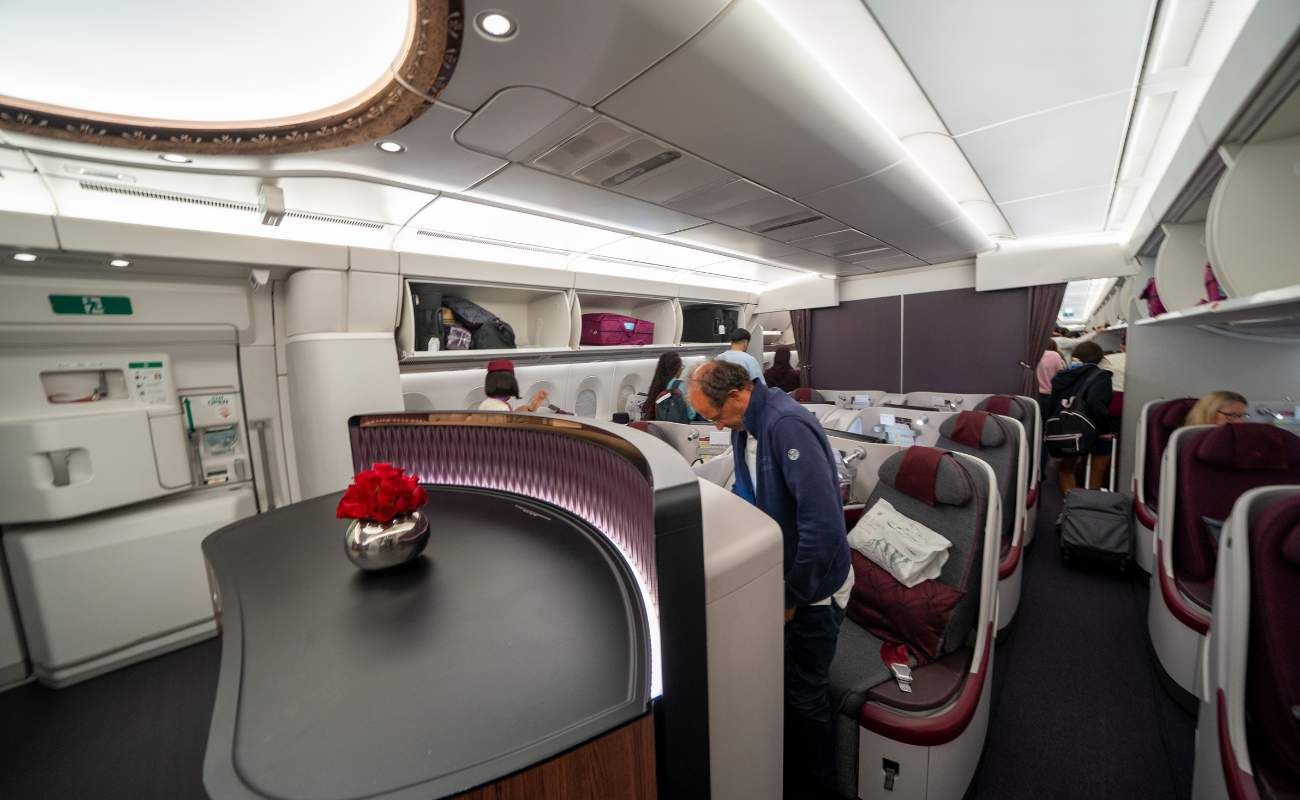
Walk through the cabin of a 777 or 787 and you’ll still see what you remember , bright, built-in screens running the latest shows. These aircraft handle the longer routes: trans-Atlantic, trans-Pacific, and the high-end coast-to-coast flights. The seat-back systems stay because they fit those missions.
Step onto an A321 or a 737 flying a two-hour hop, though, and it’s a different story. No monitors. Instead, you’ll see a phone clip on the seat in front of you. American pulled the hardware out years ago, chasing lighter weight and easier updates. Now they push entertainment through WiFi. The logic is simple enough: passengers carry screens already, and updates go live across the fleet without swapping a single monitor.
Most of these WiFi-equipped planes use Viasat or Intelsat systems, which deliver free access to movies, shows, and music through the onboard portal. No payment, just your own device and a bit of battery life.
What Frequent Flyers Should Expect
If you’re a regular on American, you’ve seen the pattern. Fly a long haul or a premium transcontinental route, say, JFK to LAX and you’ll probably get a built-in screen. Anything shorter? Bring your own.
The trade-off isn’t terrible. Your own device means no laggy touchscreen and no half-broken remotes. But it does mean prep work: charge up, download the app, pack your headphones. For elites used to polished consistency, it’s a noticeable change. For casual flyers, it’s just a new routine.
That’s the reality now: entertainment quality depends more on aircraft type than ticket class.
How It Feels In-Flight
Aboard a 777 crossing the Atlantic, there’s something satisfying about the quiet glow of hundreds of screens. Cabin lights dim, meal trays slide into place, and the movie you picked out earlier starts automatically. It feels like flying still has ceremony.
Now contrast that with a quick hop on a 737. The hum of engines, the shuffle of seat belts, passengers tilting tablets into the holders. You connect to “AA Inflight,” scroll through a surprisingly deep movie library, and hit play. It’s practical, maybe even better in some ways, but it doesn’t carry the same charm. Both setups work one’s just more traditional, the other more flexible.
Comparison: Screen Availability by Aircraft Type
| Aircraft / Route Type | Likelihood of Seat-Back Screen | Notes |
| Boeing 777 / 787 (long-haul) | High | Full seat-back systems remain on these international jets. |
| Airbus A321 Transcon (premium) | Moderate–High | Used on coast-to-coast routes like JFK–LAX; most have screens. |
| Airbus A320 / Standard A321 / Boeing 737 (domestic) | Low | Many retrofitted without screens to save weight. |
| Regional Jets (American Eagle) | Very Low | Typically streaming only, sometimes overhead monitors. |
Join the Talk Travel community to compare real traveler results
Expert Tips and Strategies
- If you can’t live without a seat-back TV, filter flights by aircraft type before booking. Long-haul jets are your best shot.
- Always carry your own device, even when screens are available, they occasionally glitch or reboot mid-flight.
- Download a movie or two in advance. Streaming doesn’t start until the aircraft levels off, and you’ll thank yourself if WiFi runs slow.
- Families: bring headphones and chargers for everyone; seat power can vary by row.
- Frequent flyers should remember: entertainment access now depends on plane type, not ticket class.
Conclusion
So, does American Airlines have seat-back TVs? Not on most flights. The wide-bodies and a handful of premium transcon jets still keep them, but the rest of the fleet has moved on. For most travelers, the screen now lives in your own hands, streamed through WiFi, lighter for the plane, and easier to update. It’s a different kind of in-flight entertainment, but once you get used to it, it works just fine. Delta, by contrast, still maintains seat-back screens across nearly its entire mainline fleet, while JetBlue keeps live TV on every aircraft.
FAQs
Do all American Airlines flights have seat-back TVs?
Not even close. The bigger jets, 777s and 787s, still have full entertainment systems, but the smaller domestic ones dropped them years ago.
What if my plane doesn’t have a screen?
You’ll still get entertainment. Just connect to AA Inflight once you’re airborne and stream movies or shows for free. It works surprisingly well if you’ve got a charged device and headphones.
How can I tell if my flight will have a seat-back screen?
Before you fly, visit American’s “What’s on your flight” tool. Type in your flight number. If you spot a little monitor icon, that’s your green light.
Does flying business or first class guarantee a screen?
Usually, yes, but not always. The long-hauls and premium coast-to-coast runs nearly always do. Short domestic flights might not, even up front.
Why did American pull so many seat-back TVs?
It came down to weight, maintenance, and the way we travel now. Everyone brings a screen anyway, so the airline cut hardware, saved fuel, and started updating its entertainment library over WiFi instead.
Share
Published by TalkTravel — a community of travel enthusiasts sharing real advice.
Have feedback? Contact our team.